Install the app on your phone
High Performer Certs is a web app. Add it to your home screen and it opens full screen like any other app – no app store, and the same account and progress on every device.
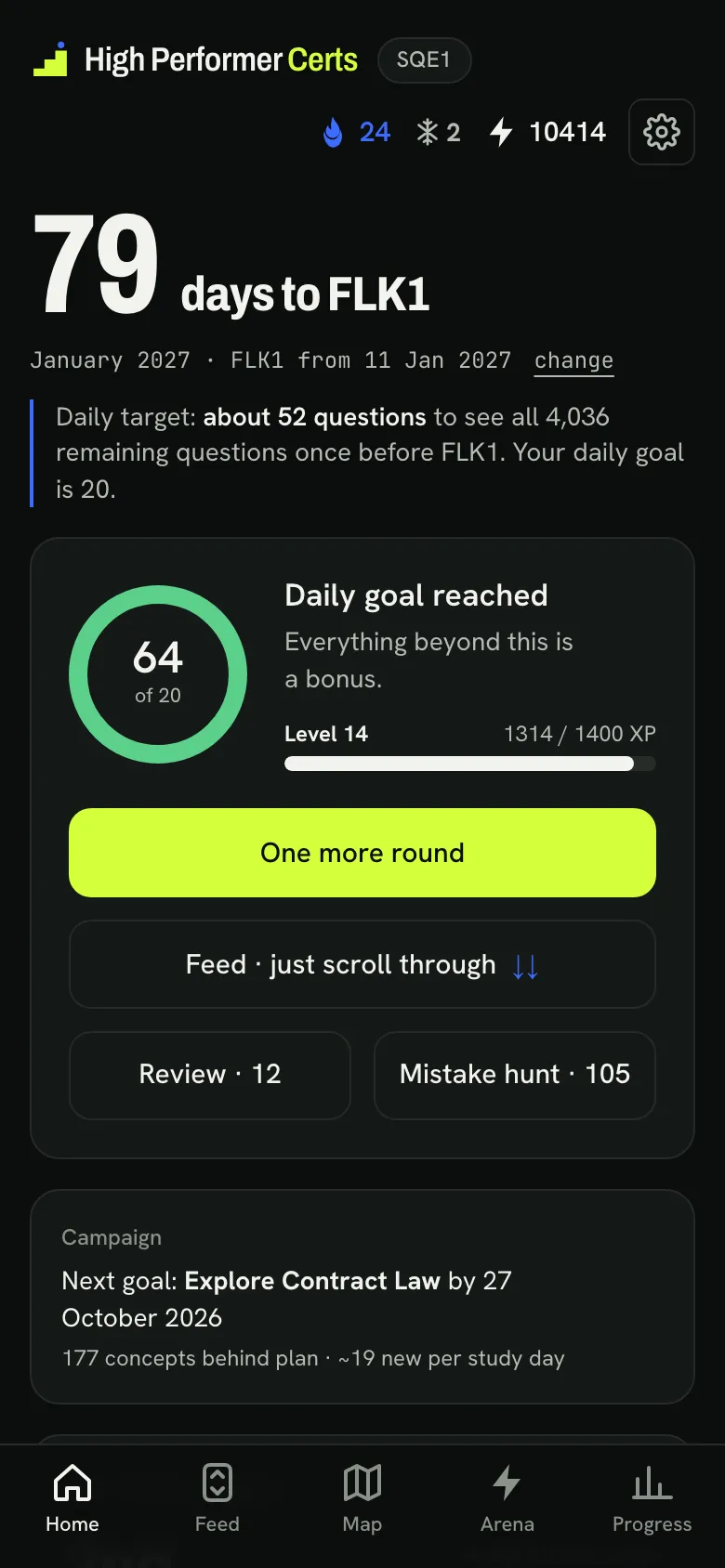
iPhone and iPad
In Safari: Share, then Add to Home Screen.
Open the app in Safari
Go to highperformer-certs.com/app and sign in.
Tap Share
The square with the arrow in the toolbar. On recent iOS versions it sits behind the ••• button.
Add to Home Screen
Scroll down the list if you do not see it straight away.
Tap Add
If you see “Open as Web App”, leave it switched on. The icon appears on your home screen.
Android
In Chrome: the ⋮ menu, then Install app.
Open the app in Chrome
Go to highperformer-certs.com/app, sign in, then tap ⋮ at the top right.
Tap Install app
On some phones it is called “Add to home screen” – then choose Install.
Confirm with Install
Chrome adds the app to your home screen and your app list.
Open it from the icon
The app opens full screen, without the browser bar. Your progress is the same as in the browser.
On a computer
The app runs in any modern browser – you do not have to install anything. In Chrome or Edge you can also install it as a window of its own: open highperformer-certs.com/app, then use the install icon at the right of the address bar or the browser menu.
Ready when you are.
Open the app in your browser now – and add it to your home screen once you have signed in.
Installing, answered.
Something not working? Tell us which phone and browser you use.
Do I need the App Store or Google Play?
No. High Performer Certs is a web app: you add it to your home screen from the browser, and it then opens full screen like an installed app.
There is nothing to download from an app store and nothing to update – the app is always the current version.
Is my progress the same on every device?
Yes. Your progress is stored in your account, so the installed app, the browser and your other devices show the same state.
Can I get reminders?
Yes, if you want them: in the app’s settings you can switch on one push notification in the evening, only on days you have not studied yet.
On iPhone, reminders need the app on your home screen first.
Does it work offline?
You need an internet connection to train, because questions and your progress are loaded live from your account.